On-Premises & Cloud Signage CMS
Centralized Screen Content Management
One dashboard to control all your displays
Bizlution SignCMS provides comprehensive digital signage management — content design, scheduled publishing, and emergency broadcast — for retail chains, public venues, and corporate offices.
Trusted Across Industries
Over 3,000 screens deployed
Spanning retail, government, hospitality, healthcare, corporate, and transportation — six major industries
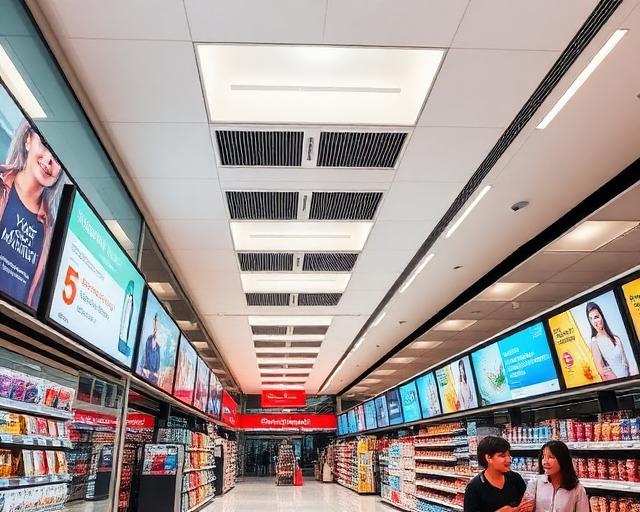 Retail Chains
Unified signage management across all branches
screens
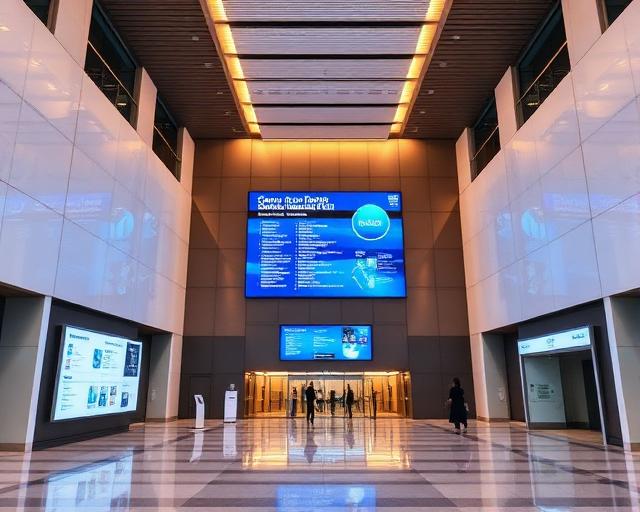 Government
Real-time public information display
agencies
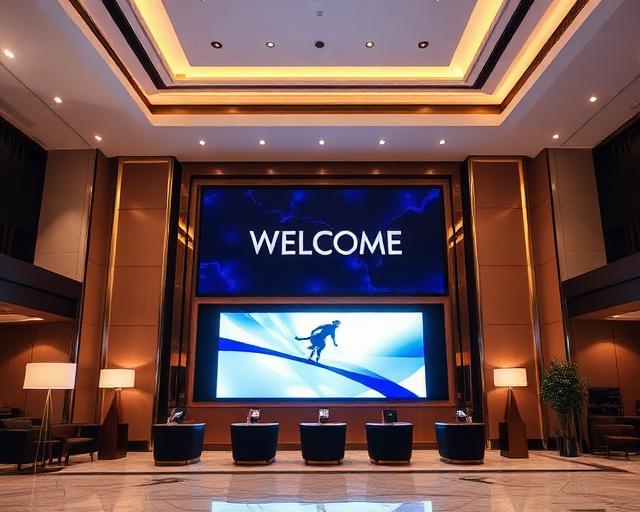 Hotel Groups
Multilingual guest information rotation
hotels
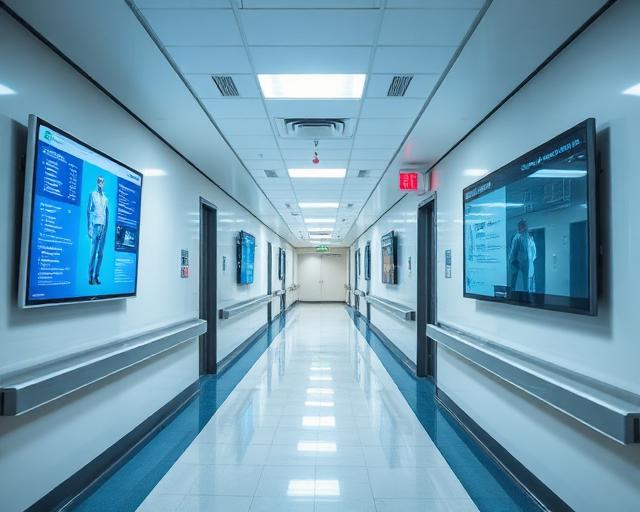 Healthcare
Digitalized clinic & corridor displays
clinics
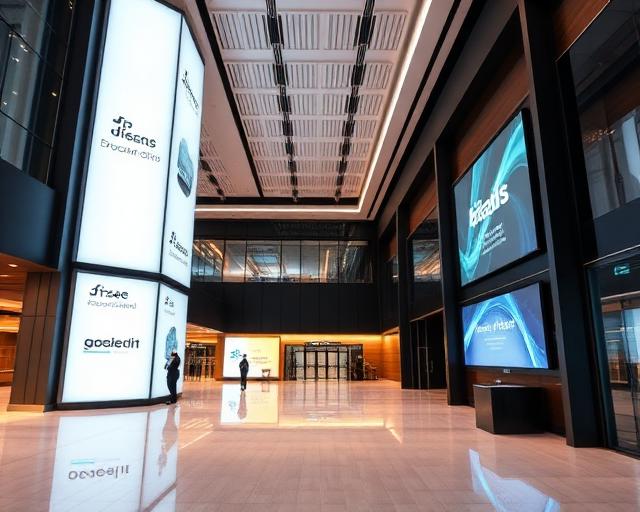 Corporate
Smart meeting room & announcement boards
companies
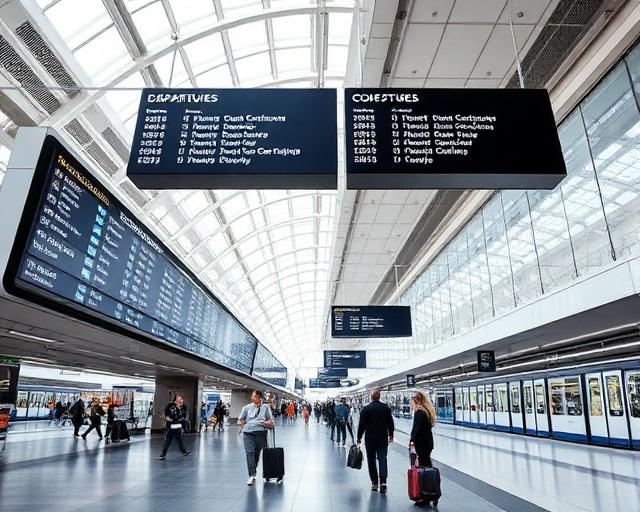 Transportation
Live schedule & passenger info display
stations
Platform Features
Six Core Modules for Complete Signage Management
Select modules based on your operational needs — no unnecessary features
Screen Management
Monitor all screen connections in real time. Group by location, floor, or zone for instant visibility.
Scheduled Publishing
Set playlists by time, day, or event. Content switches automatically — no manual work required.
Emergency Broadcast
One-click full-screen override, proven in disaster alert scenarios. Critical messages delivered in seconds.
Content Design
Built-in templates and multi-zone layouts. Drag videos, images and widgets into place, then finish with a zone timeline and background music.
Access Control
Manage permissions by organization, department and user. Every action is kept in an audit log — ideal for multi-site and group operations.
IoT Integration
Connect environment sensors for live temperature and humidity data. Content adapts to real-world conditions.
Recommended Hardware
Built to Run 24/7 — Bizlution SBC-350
Industrial-grade player engineered for always-on signage deployments. ARM-based, fanless, full metal enclosure.
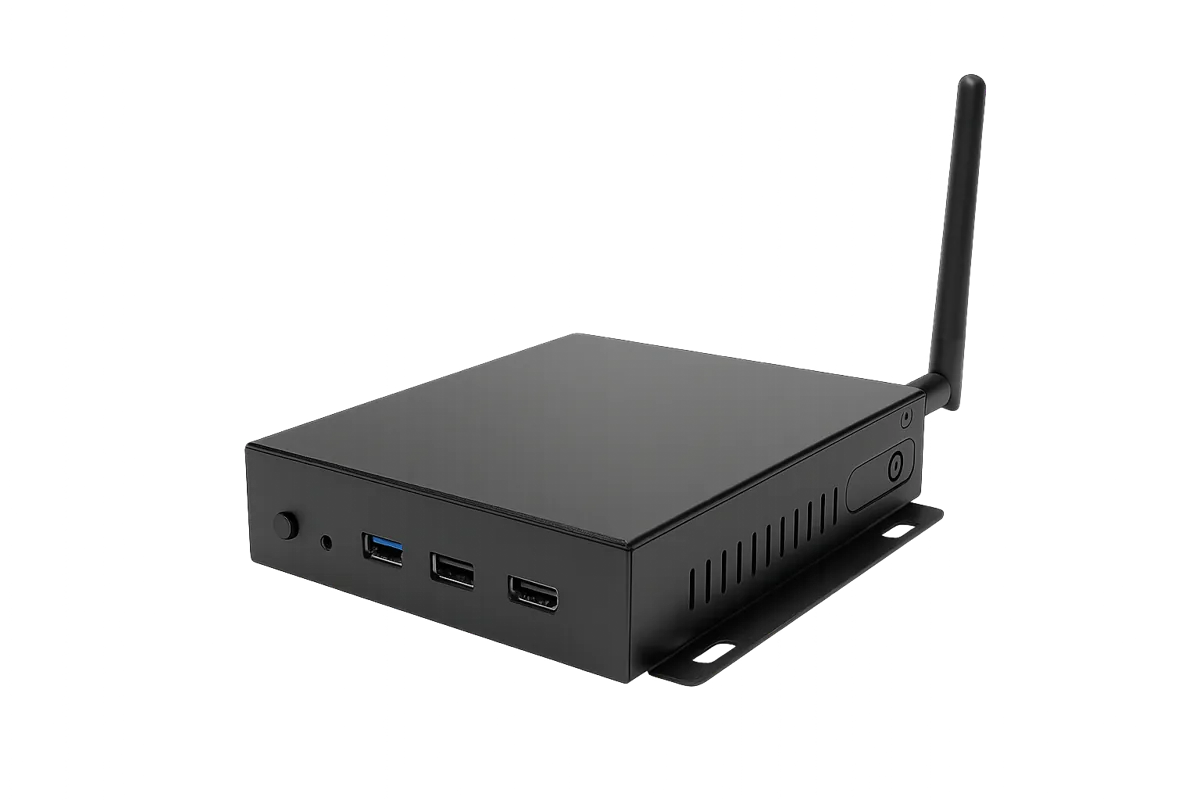
8-Core ARM + 6 TOPS NPU
Quad-Core Cortex-A72 + A53 processor with built-in AI acceleration for smooth 4K multimedia playback
Dual 4K Independent Display
HDMI 2.1a (4K) + HDMI 1.4 (2K) dual output, driving two separate signage screens simultaneously
Wired + Wireless Connectivity
Gigabit Ethernet, Wi-Fi 5, Bluetooth 5.2, with optional 4G LTE and PoE power
Industrial-Grade, Always-On
Full metal enclosure, 0–40°C operating range, CE / FCC / PSE certified — built for 24/7 commercial deployment
Core Components
Display Output
Connectivity
I/O Ports
Environment & Compliance
Optional Add-On Modules
Expand connectivity and mounting flexibility with these optional accessories.
4G LTE Module
EC25 Mini-PCIE, enables mobile network for offline playback
PoE Power Module
IEEE 802.3at/af compliant, no separate power cable needed
Wall Mount Bracket
Standard accessory, mounts to VESA holes on display back
Face Recognition Module & Camera
Customer profiling and venue hotspot analysis to optimize marketing
IR Remote Control
Instantly switch playlists to match scene scenarios on the fly
GPS Sensor
Dynamically switch playlists based on location for localized content
Share your ideas — we'll help you create richer interactive experiences
Use Cases
Real-World Applications by Industry
Tailored feature combinations for common industry needs

Current Problem
Inconsistent promotions across branches — HQ updates are slow with no visibility into execution.
Our Solution
HQ publishes once. All branches sync instantly. Time-slot scheduling supported.
Recommended Features
Getting Started
Four Steps to Go Live
From sign-up to first screen broadcast — live in under 30 minutes
Create Account
Sign up online — no credit card required, trial starts immediately
Connect Screens
Register display devices — supports Android, Chrome OS, Windows
Design & Schedule
Use built-in templates to design content and set playlists
Publish
Click publish — all locations sync instantly
CUSTOM SOLUTIONS
Does off-the-shelf software always leave 20% of your core workflow unsupported?
Beyond Standard Features — Smart Space Solutions Tailored to Your Business
Built on Bizlution SignCMS's robust foundation, we deliver highly flexible software customization — from third-party integrations and specialized hardware to bespoke workflow management, seamlessly woven into your daily operations.
FOUR PILLARS OF CUSTOMIZATION
What We Can Customize for You
From interface and integration to hardware and workflow — define your own solution
Brand-Specific Visual Customization
More than a logo swap. From corporate color systems and bespoke layouts to interaction patterns matched to your frontline staff's habits — a 100% branded system experience.
Deep Third-Party System & API Integration
Break down data silos. Seamlessly connect to your existing ERP, CRM, HR attendance, HIS or hotel PMS systems — automated data displayed on screen in real time.
IoT & Peripheral Hardware Integration
Software and hardware in perfect sync. Drive and orchestrate specific sensors (air quality, occupancy), facial recognition cameras, access control, and non-standard displays.
Industry-Specific Core Workflow Development
Built for closed-loop logic. Custom approval, scheduling and monitoring logic for manufacturing lines, smart healthcare and retail HQs — software as a productivity engine.
OUR PROCESS
Transparent, Structured Engagement
Standardized steps reduce engineering uncertainty — delivered on time, on quality, on budget
Requirements Diagnosis & Feasibility
No blind development. Senior architects work with you to clarify real pain points and assess the optimal technical path.
Spec Definition & UI Prototype Sign-off
Before a single line of code is written, you'll see interactive prototypes — ensuring complete shared understanding.
Agile Development & Rigorous Testing
Modular, iterative development with load and security testing — built for rock-solid stability.
Launch & Long-Term Support
Complete technical documentation, team training, and system upgrades that grow with your business.
Ready to build a smart space that's truly yours?
Free customization assessment with our senior architects to discuss your needs in depth
Typically replied within 1 business day
Why Bizlution SignCMS
Four Reasons Enterprises Choose Bizlution SignCMS
Evaluate based on actual features and proven results
 01
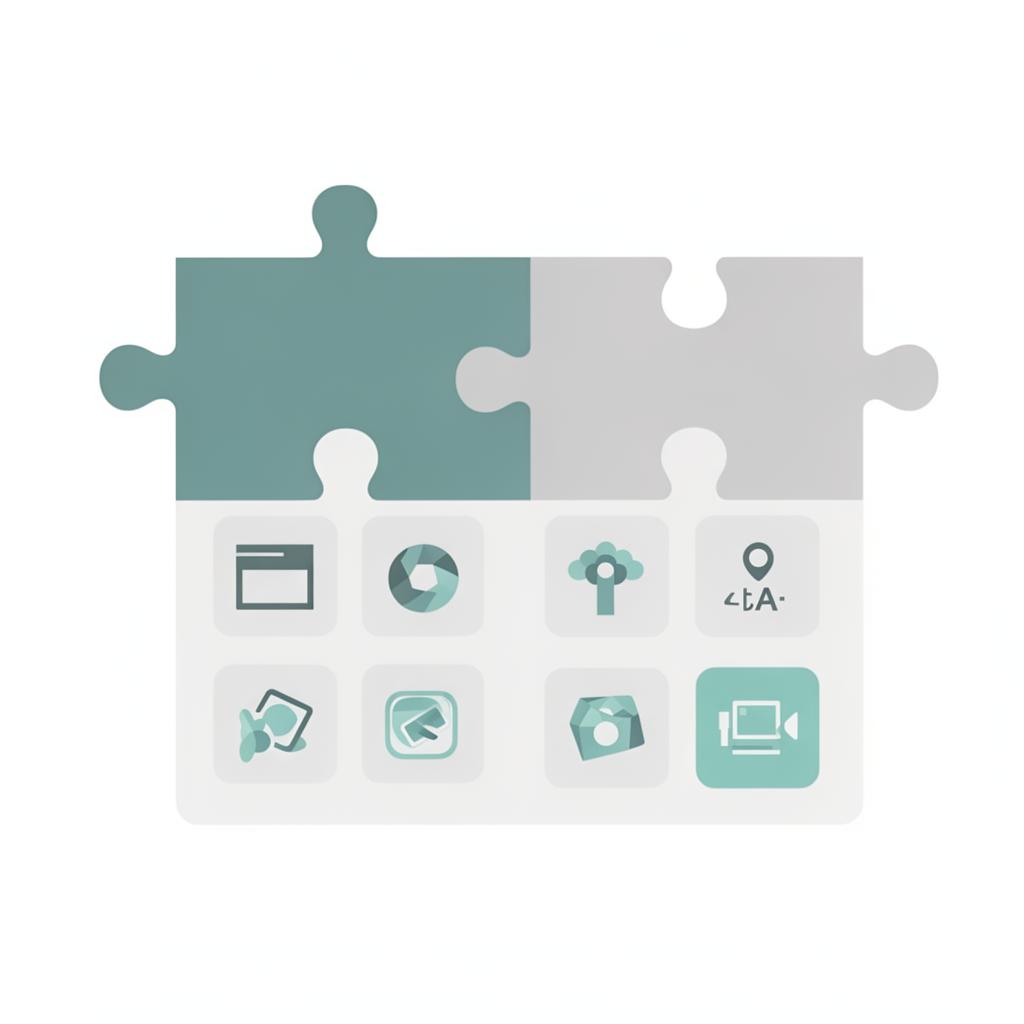
01Built-in Widgets and Layout Design — All in One Dashboard
Drop clock, countdown, date, weather and ticker widgets straight into a layout. With templates and a zone timeline, everything from upload and design to scheduling and dispatch happens in one dashboard.
All-in-One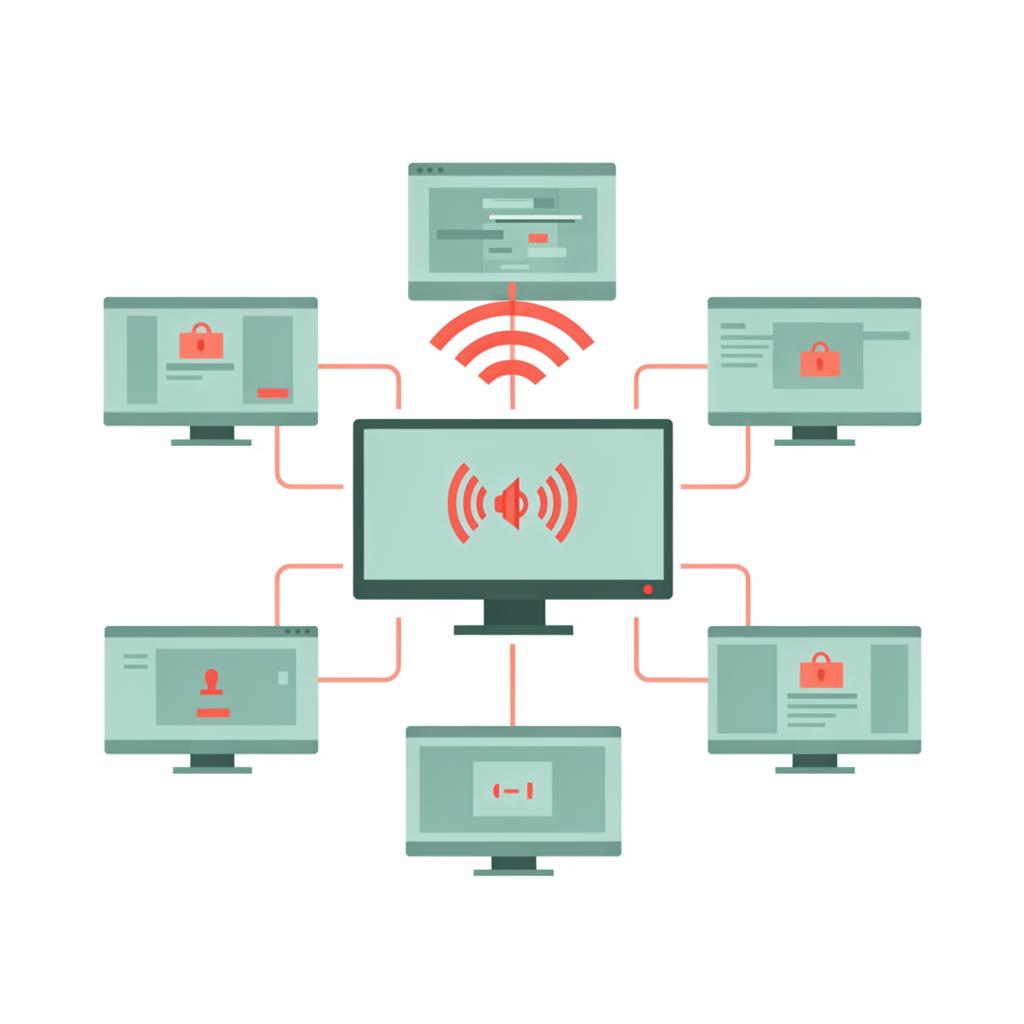 02
02Emergency Broadcast — Field-Proven
The emergency override has been deployed in real disaster alert scenarios — not just a concept demo. All screens covered in seconds.
Field-Proven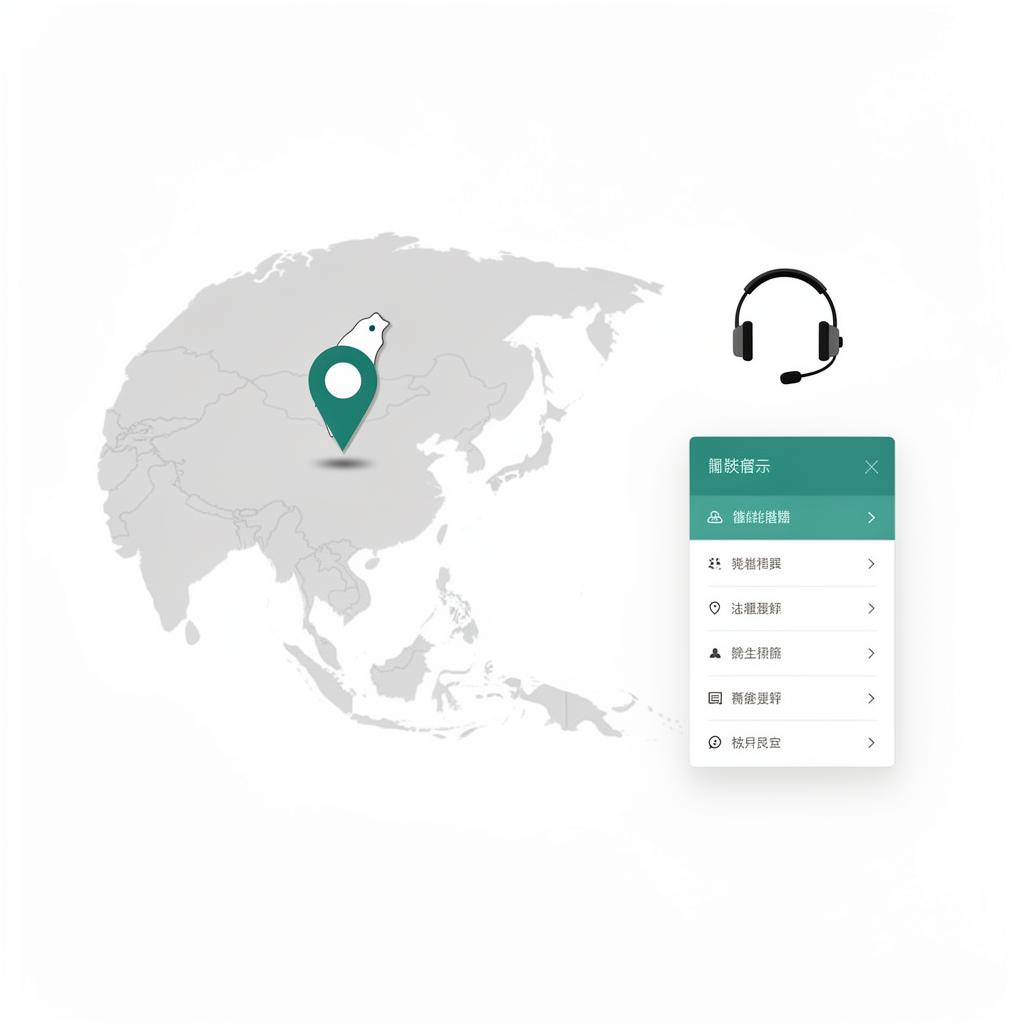 03
03Designed for the Asia-Pacific Market
Full Traditional Chinese interface with a local support team in Taiwan. Built from the ground up for APAC business scenarios and usage patterns.
Local Support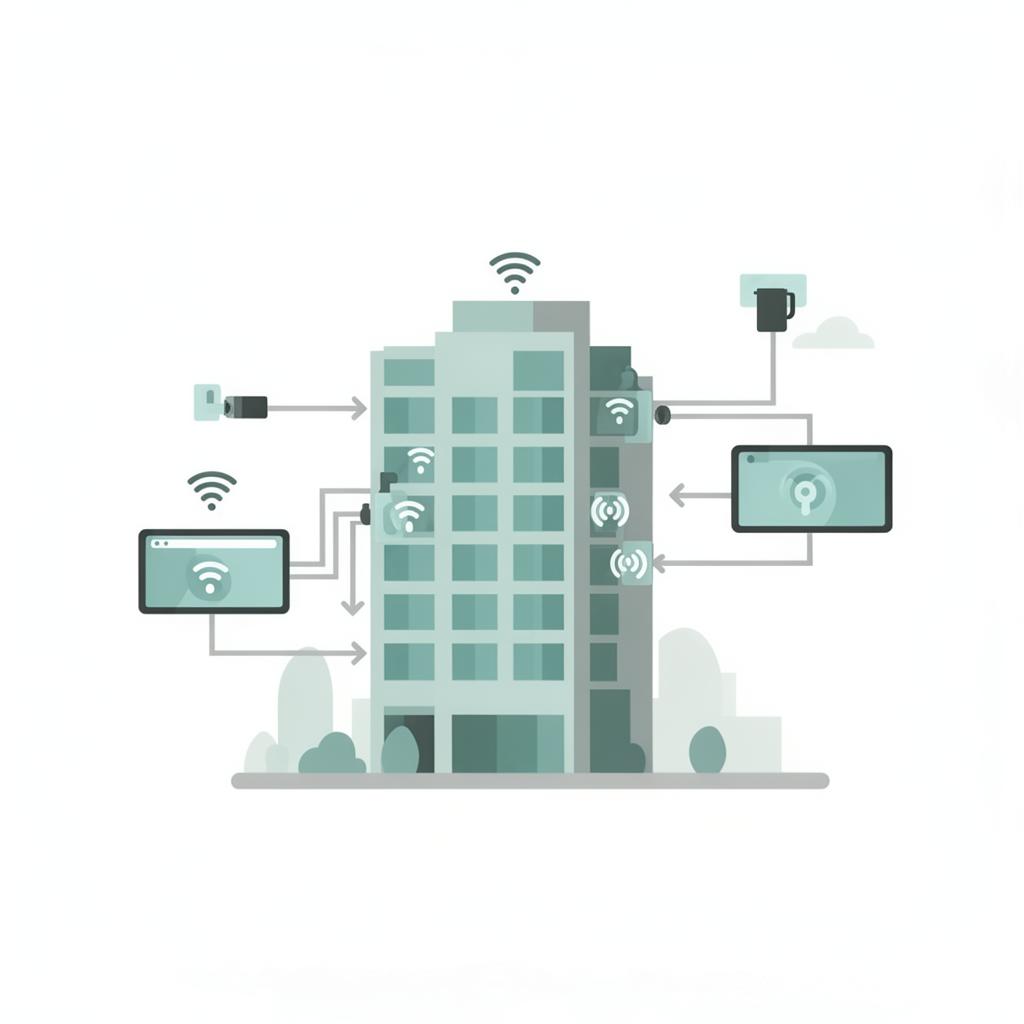 04
04Deep Integration with Bizlution FMS
Works seamlessly with Bizlution's Facility Management System. When facility events trigger (security alerts, occupancy limits, shift changes), screens display corresponding content automatically.
Bizlution EcosystemCustomer Stories
Feedback From Diverse Industries
Managing 47 screens used to require a dedicated IT person. After adopting SignCMS, our marketing team handles everything. Scheduled publishing has dramatically reduced manual work.

Wei-Ting Chen
Operations Manager · Restaurant Chain
We deployed 12 service centers in two weeks. The emergency broadcast feature met all regulatory requirements and passed audit smoothly.

Hsiao-Mei Lin
IT Director · Local Government
Multilingual content rotation lets international guests read screen info directly. Front desk staff no longer need to explain everything verbally — service efficiency improved noticeably.

Chien-Ming Kuo
General Manager · Boutique Hotel Group
Frequently Asked Questions
Common questions on our customization process, timeline, pricing, deliverables and ongoing support
See if SignCMS is right for your venue
30-day free trial — test fully before you commit
No credit card required. No setup fee. Full features during trial.
Already have an account? Log in →